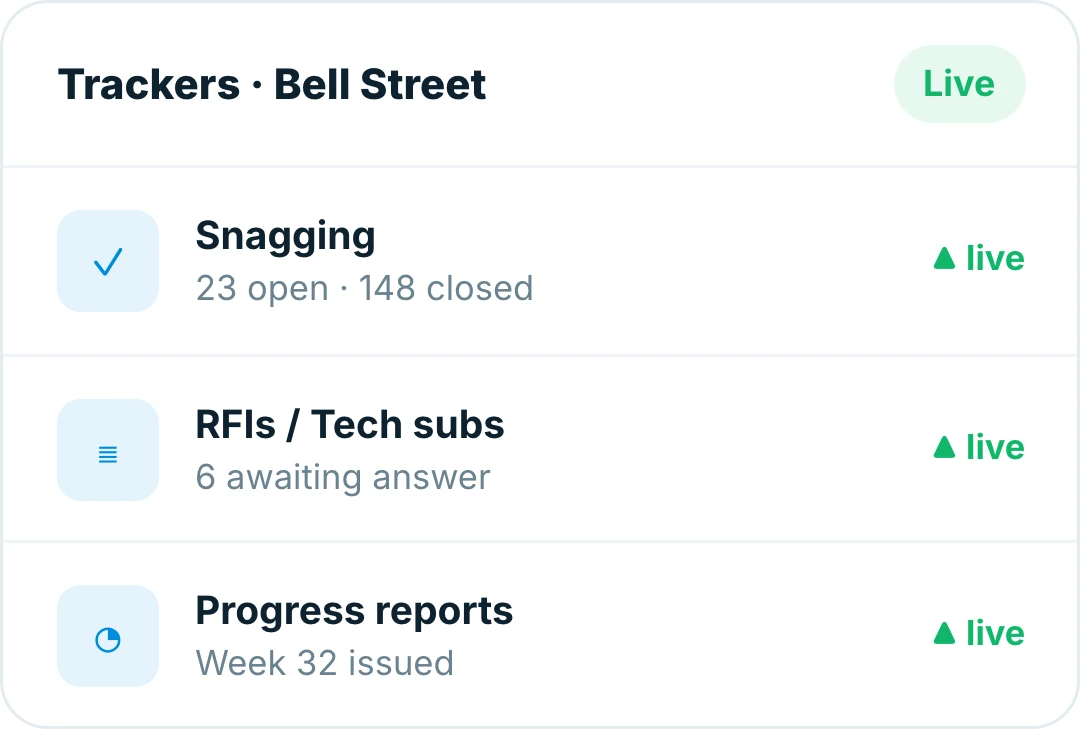
Snags raised where they’re found, closed before handover
Mark the defect on the drawing, photograph it and assign it before you’ve walked to the next room, then track every snag through to a signed-off close.
● Live on iOS, Android and web · Works offline on site
Trusted by contractors and teams across the UK
Capture
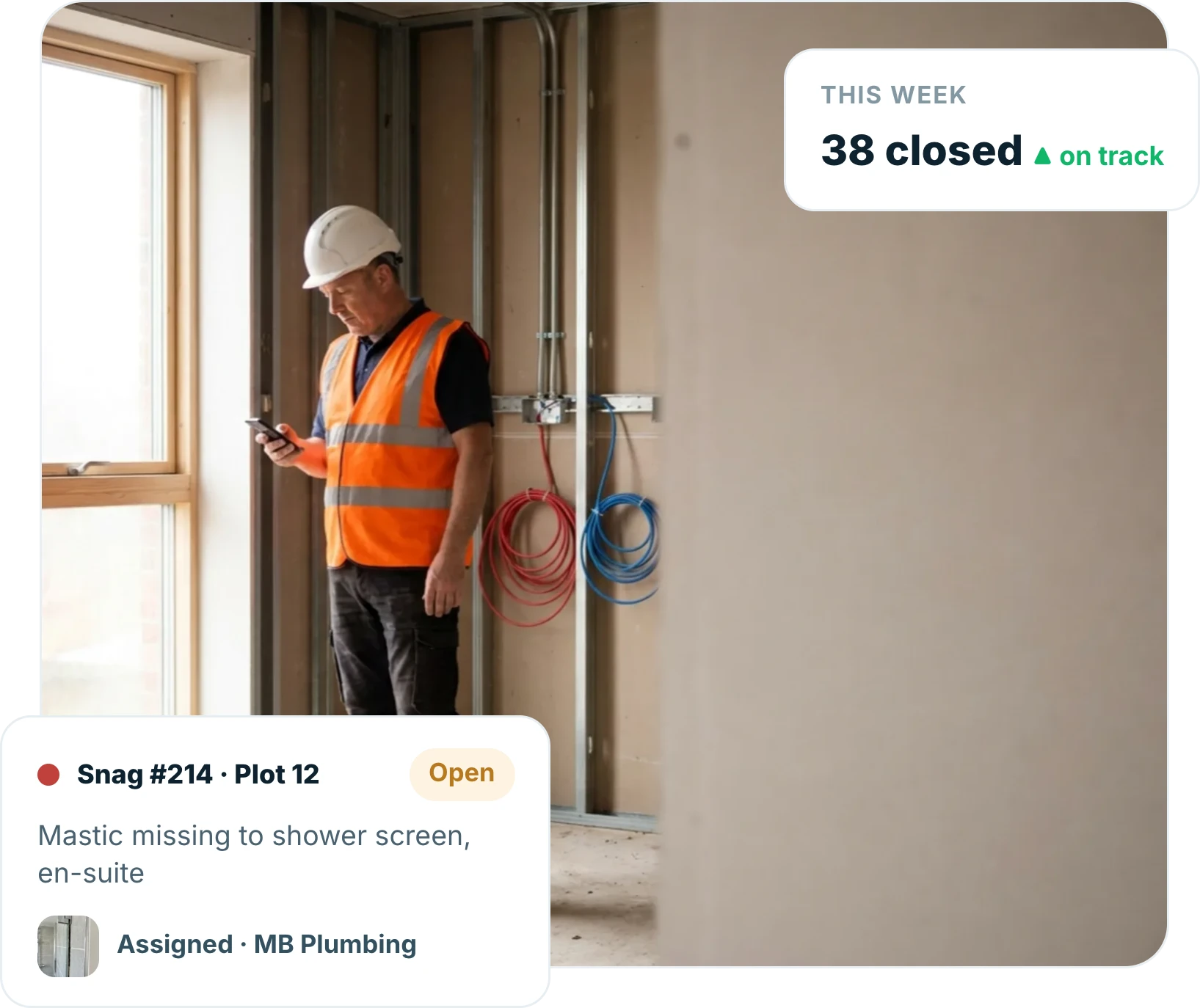
Raise a snag before you reach the next room
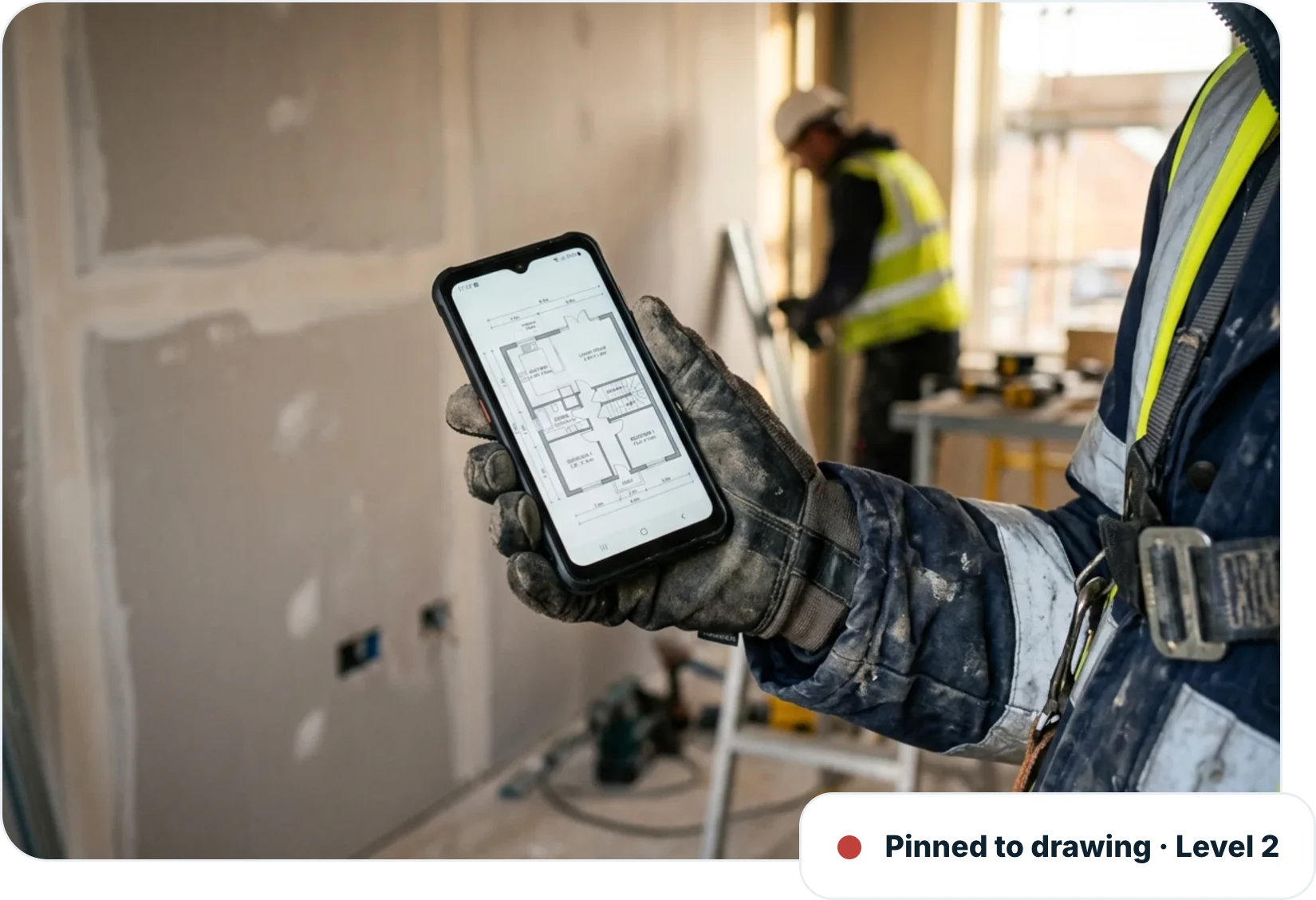
Pin the defect to the drawing, add a photo and a comment and assign it to the responsible subcontractor, all from a phone at the work face.
Pinned to the plot, level and drawing
Photo and comment on every snag
Assigned to the responsible subcontractor on the spot
Close out
Closed with evidence, not a verbal “it’s done”
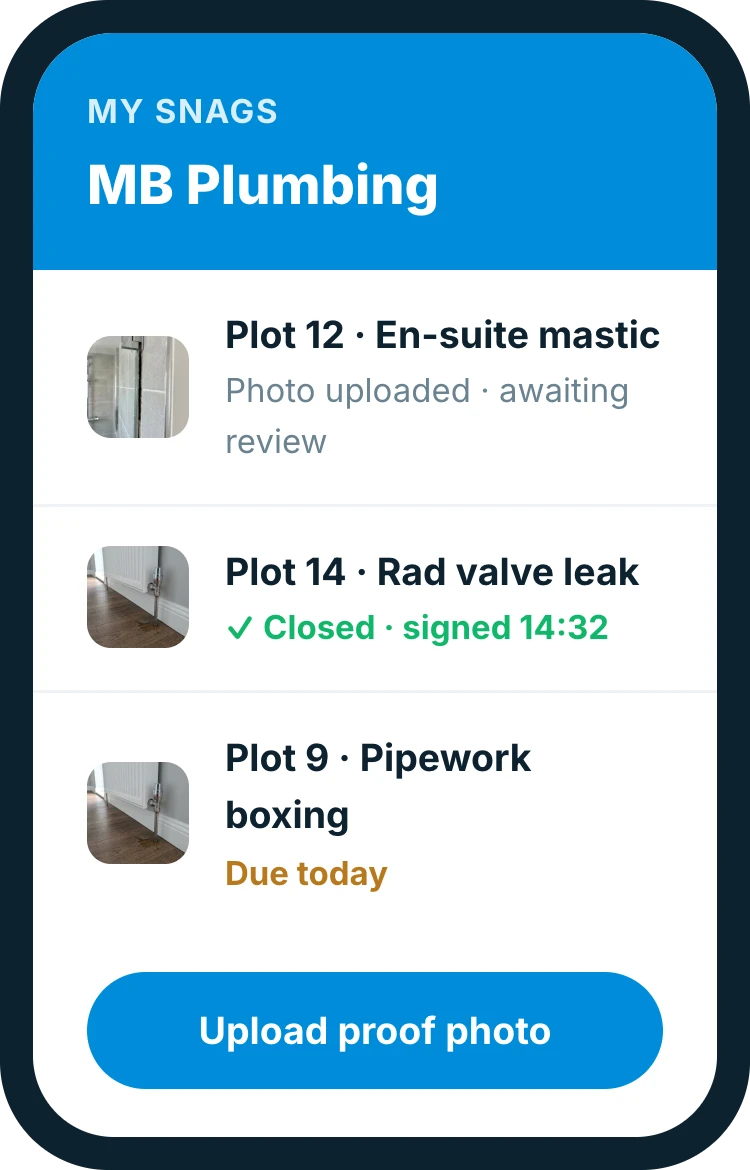
Subcontractors see their own list, fix the work and upload proof. Nothing closes without a photo and a sign-off.
A live list per subcontractor
Closed only with photographic evidence
Time-stamped and signed on close
Visibility
See every open snag across the site
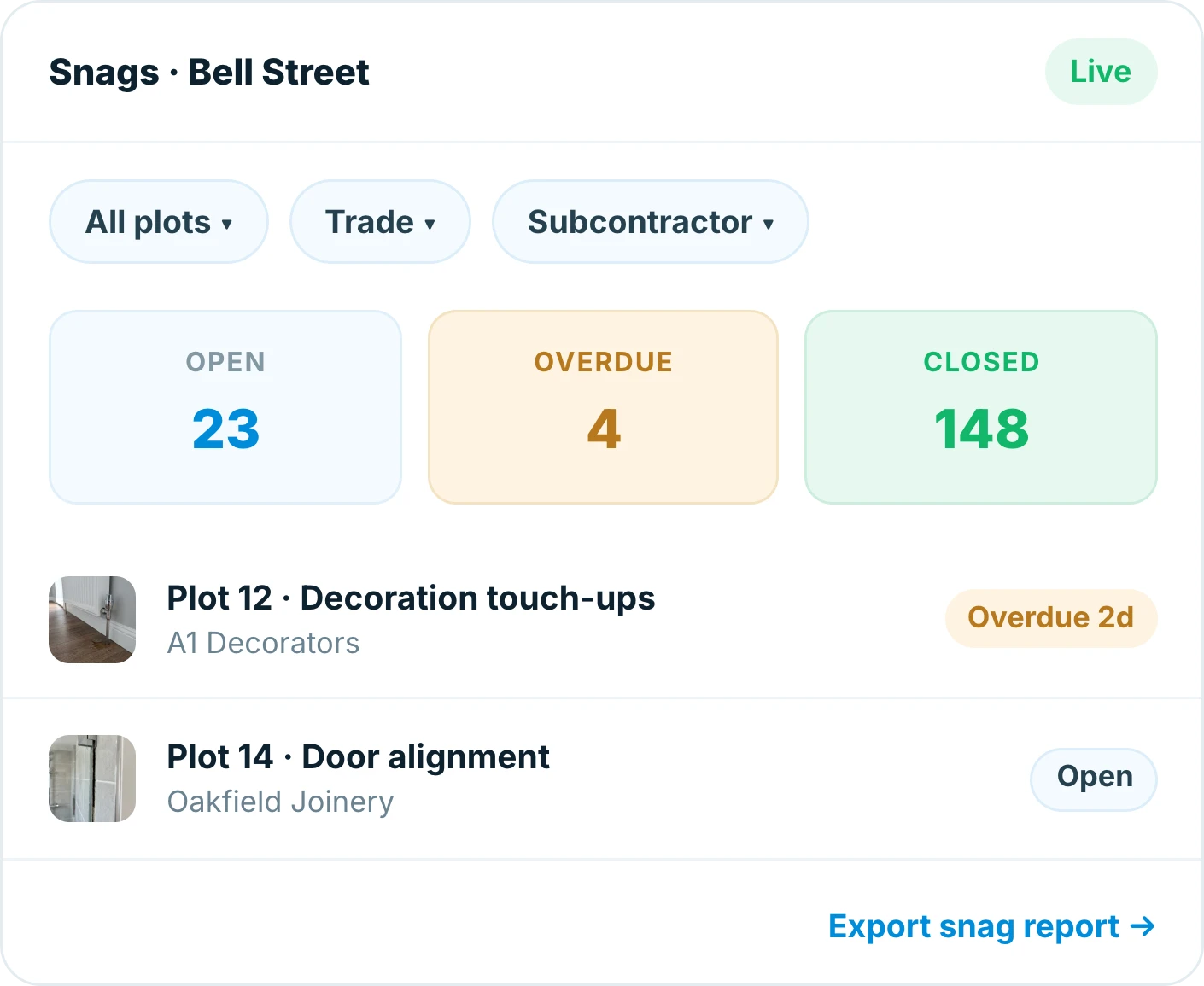
Filter by plot, trade or subcontractor and know exactly what stands between you and a clean handover.
Open snags by plot, trade and subcontractor
Overdue items surfaced automatically
Export a snag report in a tap
Handover
A clean snag list feeds a clean handover
Because every snag is captured and closed against the plot, the handover pack shows a defect-free record, assembled, not reconstructed.
Snags filed against the plot as you go
Zero-open-snag status before completion
Feeds straight into the handover pack
Why teams switch
Built for the way site teams actually work
Snagging in Insite fits the walk you already do. No double-entry, no office catch-up, no chasing.
Nothing on a scrap of paper
Every snag in one place.
Caught at the work face
During the build, not at handover.
Accountability by default
Every snag has an owner and a timestamp.
Proof on close
A photo behind every completed item.
Works with no signal
Snag in the basement, sync back in range.
Report in a tap
A live list for any plot, trade or sub.
62%
fewer defects reaching client inspection
96%
of snags closed within 48 hours
3 wks
earlier handover, packs ready on completion
Frequently asked questions
What is construction snagging software?
Snagging software replaces paper and spreadsheets for logging and closing out defects. With Insite you pin a snag to the drawing, attach a photo, assign it to a subcontractor and track it to a signed-off close, all from a phone on site.
Can I raise snags offline?
Yes. Insite works offline, so you can raise and photograph snags with no signal, in a basement or a lift core, and everything syncs automatically when you are back in range.
How are snags assigned to subcontractors?
Each snag is assigned to the responsible subcontractor as you raise it. They see their own live list, fix the work and upload photographic evidence, which you review before it is closed.
Can I report on snags by plot, trade or subcontractor?
Yes. Filter open snags by plot, trade or subcontractor, and overdue items are surfaced automatically. The filtered list exports as a snag report in a tap.
How does snagging feed into handover?
Every snag is filed against its plot, so a plot’s snag status is always current. When you assemble the handover pack the defect record is already there, with no rebuilding it from memory.
Which devices does Insite work on?
Insite runs on iOS, Android and the web and works offline on site, so the same snag list is available to everyone from phone to office.
Everything in one place
Explore the rest of Insite
Fifteen site processes, one platform. Jump to the one you are fighting a spreadsheet over.