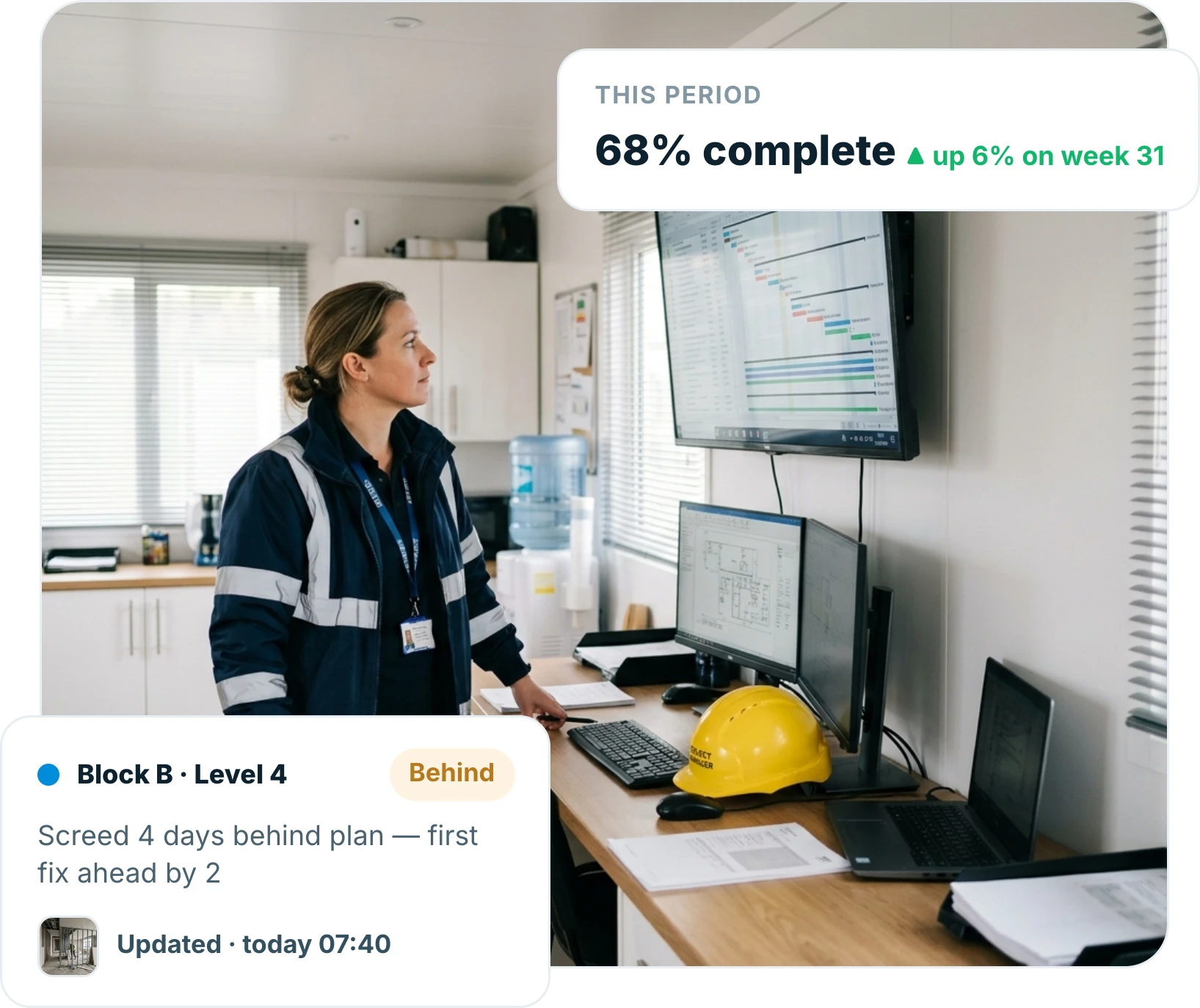
Progress recorded once on site becomes the report the client sees, percentage complete by plot, level and trade, live, without a Friday afternoon of typing.
● Live on iOS, Android and web · Works offline on site
Trusted by contractors and teams across the UK
Capture
Progress recorded once, by the people doing the work
Supervisors mark progress against the plot or area on a phone, so the number comes from site rather than an estimate in the office.
Marked against plot, level or area
Recorded by trade and stage
Updated as the work happens
Live picture
A live percentage, not last week’s guess
The report reflects what site recorded today, so meetings start from the same number rather than three different spreadsheets.
Live percentage complete by area
Trade-by-trade breakdown
One number everyone works from
Reporting
The client report, produced in a tap
Issue a consistent, branded progress report without rebuilding it each period.
Same format every period
Photos pulled straight from site
Issued digitally with a record
Trend
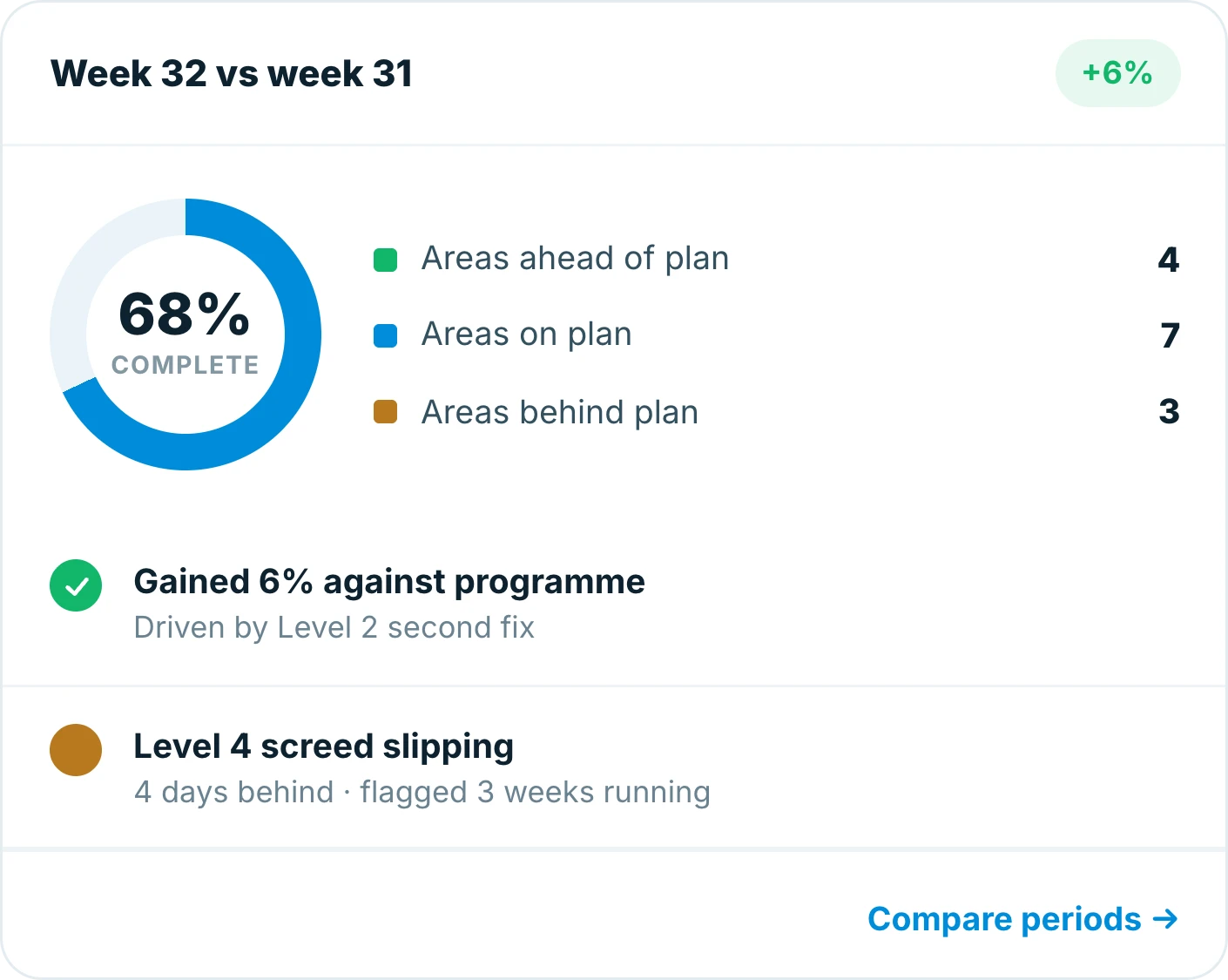
See whether you are gaining or slipping
Compare periods to see the direction of travel, so a slip is visible while there is still time to act.
Period-on-period comparison
Areas falling behind surfaced early
Planned against actual, side by side
Why teams switch
Built for the way site teams actually work
Reporting in Insite is a read of what site already recorded. Nobody retypes anything, and the client sees the same number you do.
No second spreadsheet
The report reads the site record.
Recorded by site
The number comes from the work face.
One version of the truth
Meetings start from the same figure.
Slips visible early
Behind-plan areas surface themselves.
Works with no signal
Update on site, sync back in range.
Report in a tap
Consistent output every period.
6 hrs
saved per week producing reports
Live
progress figures instead of weekly snapshots
11
trades reporting into one picture
Frequently asked questions
What is construction progress reporting software?
Progress reporting software turns what site teams record into a live view of percentage complete. With Insite, supervisors mark progress against plots and areas on a phone and the report is produced from that record rather than typed up separately.
How is progress measured?
By the units your job already works in: plot, level, area, trade and stage. You set the structure, and progress is recorded against it on site.
Can I still issue a formal client report?
Yes. Insite produces a consistent, branded progress report for any period, with site photography included, in a tap.
Does it show whether we are slipping?
Yes. Periods are compared so the direction of travel is visible, and areas behind plan are surfaced rather than buried in a spreadsheet.
Does progress reporting work offline?
Yes. Progress can be marked on site with no signal and syncs automatically when you are back in range, so the live picture is never waiting on a connection.
Which devices does Insite work on?
Insite runs on iOS, Android and the web and works offline on site, so the same progress record is available to everyone from phone to office.
Everything in one place
Explore the rest of Insite
Fifteen site processes, one platform. Jump to the one you are fighting a spreadsheet over.