BETA Meet Pulse, your AI construction assistant Explore
Workforce Management · Company directory & insurances

Company directory and insurances, always up to date

Keep every subcontractor and supplier in one directory, with their insurance certificates attached and expiry tracked, so you know who is compliant before they step on site.

● Live on iOS, Android & web · No certificate folders, no expiry spreadsheets

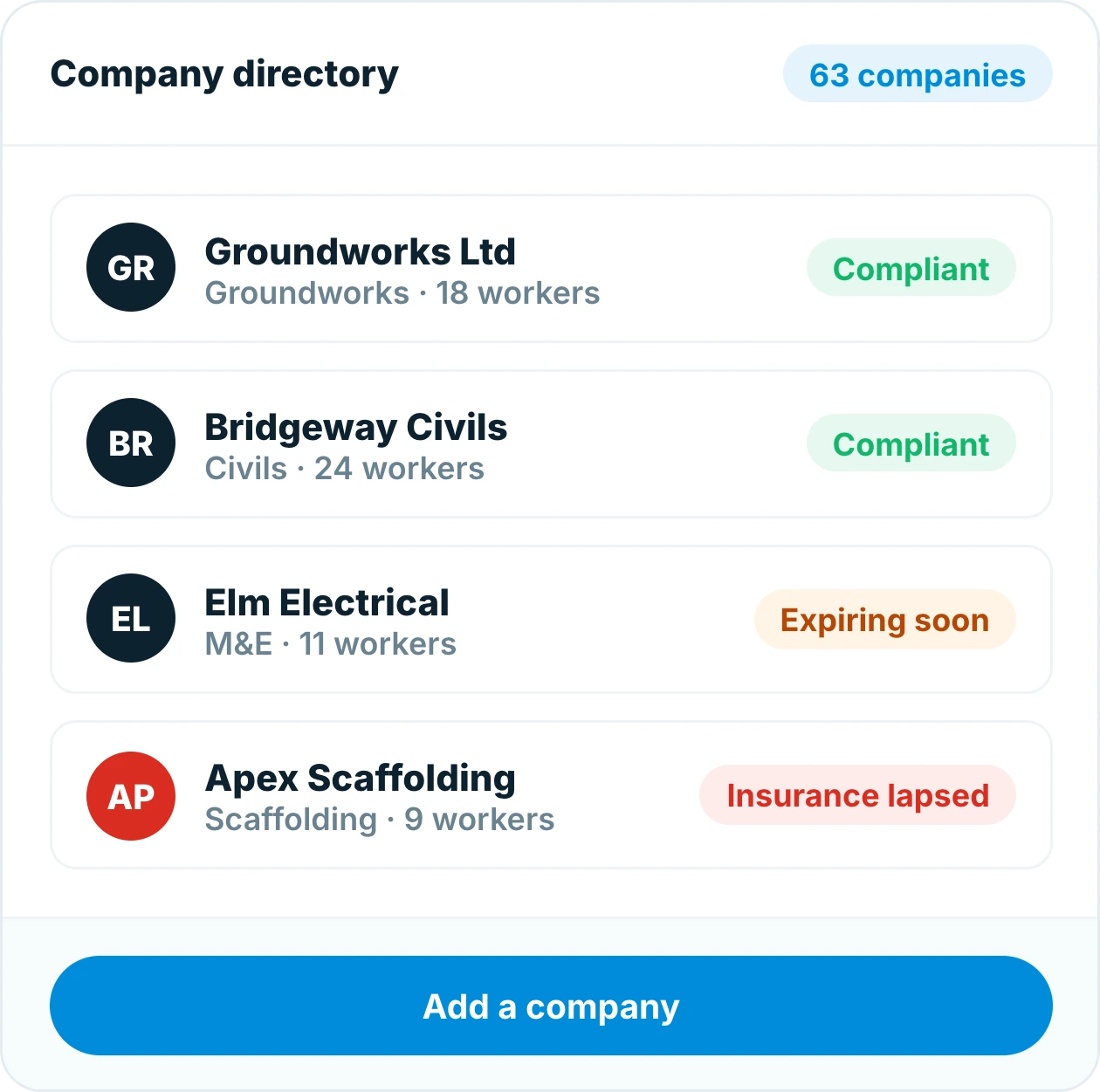
Insite company directory listing subcontractors with trade, worker counts and compliance status
Trusted by contractors and teams across the UK
How it works

One directory for every company on your projects

Each company has a profile with its trade, contacts, workers and insurance certificates. Add a company once and use it across every project.

Company directory

Every company on your projects, in one list

Subcontractors and suppliers are added once with their trade, contacts and workers. Assign them to projects and see their compliance status at a glance.

Insite company directory listing subcontractors with trade, worker counts and compliance status
Insurances

Insurance certificates attached and tracked

Upload employers’ liability, public liability and other certificates against the company, with cover level and expiry date. Everyone who needs to check can, without asking.

Insurance certificates stored against a subcontractor in Insite with cover levels and expiry dates
Expiry alerts

Get warned before cover lapses

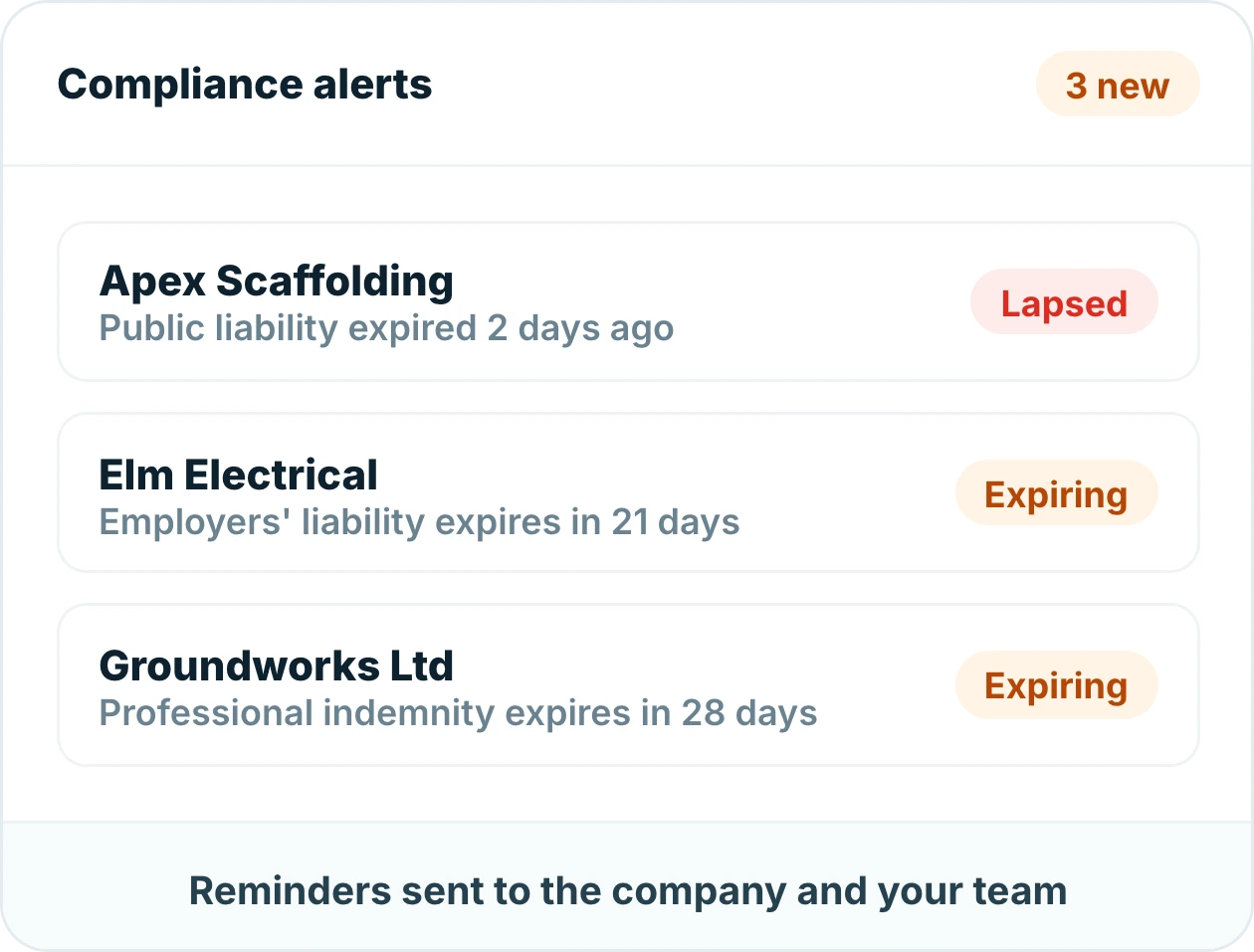
Insite tracks every expiry date and reminds both the company and your team ahead of time. Lapsed cover is flagged across every project the company works on.

Compliance alerts in Insite showing lapsed and expiring subcontractor insurance cover
Linked to workers

See each company's workers, cards and sign-ins

Every worker belongs to a company, so you can see who each subcontractor has on site, whether their competency cards are valid and how many hours they have worked.

Company profile in Insite showing a subcontractor workers, cards due and who is signed in
Everything the office needs

Compliance across every project, in one place

Company profiles

Trade, contacts, workers and documents, in one record.

Certificate uploads

PDFs stored against the company with cover and expiry.

Compliance across projects

A lapse on one company is flagged on every project it works on.

Part of Workforce Management

Explore the other modules

Signing in & timesheets

QR, kiosk or mobile sign-in that builds accurate timesheets automatically.

Inductions & competency cards

Inductions done before day one, cards checked and expiry tracked.

RAMS

Risk assessments and method statements read, signed and version-controlled.

You’re here

Company directory & insurances

Every subcontractor in one directory, with insurance certificates tracked.

Ready to get started?

Know every company on site is covered

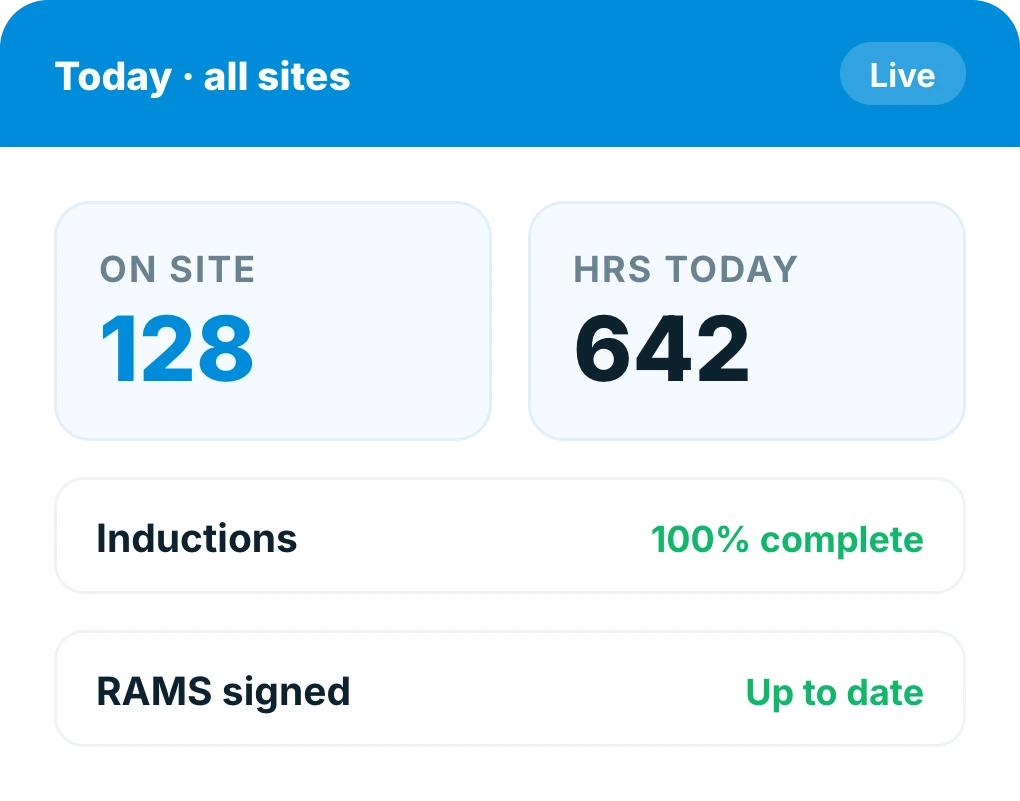
Insite daily site summary showing workers on site, inductions complete and RAMS up to date

Frequently asked questions

What is a construction company directory?
It is a single list of every subcontractor and supplier working on your projects, each with their trade, contacts, workers and insurance certificates. A company is added once in Insite and used across every project.
Which insurance certificates can be stored?
Employers' liability, public liability, professional indemnity, contractors all risks and any other certificate you need. Each is uploaded against the company with its cover level and expiry date.
How does Insite track insurance expiry?
Every expiry date is tracked, and reminders go to both the company and your team ahead of time. Lapsed cover is flagged across every project that company works on.
Who can see a company's insurance details?
Site and office teams can check a company's certificates themselves, with cover level and expiry visible, so nobody has to request documents to confirm compliance.
Can I see which workers belong to each company?
Yes. Every worker belongs to a company, so you can see who each subcontractor has on site, whether their cards and inductions are valid, and the hours worked per company.
Does a company need adding for every project?
No. Add the company once and assign it to as many projects as you need. Its insurance and compliance status follows it to every project.
Can compliance records be exported?
Yes. Company profiles, certificates and compliance status can be exported for client reporting and audits.

The hidden cost of manual workforce management

8+ hrs

every week on paperwork

100s

of records managed by hand

£1,000s

lost to inefficient site admin

Free · 24 pages · no sign-up wall to read it. We’ll email the playbook and occasional Insite updates — unsubscribe any time. See our Privacy Policy.

Insite construction workforce management playbook cover