Trackers · RFIs / Tech subs

Track RFIs and submittals to an answer

Raise the query where it arose, put it in front of the design team with the drawing attached, and see exactly what is waiting on an answer and for how long.

Live on iOS, Android and web · Works offline on site

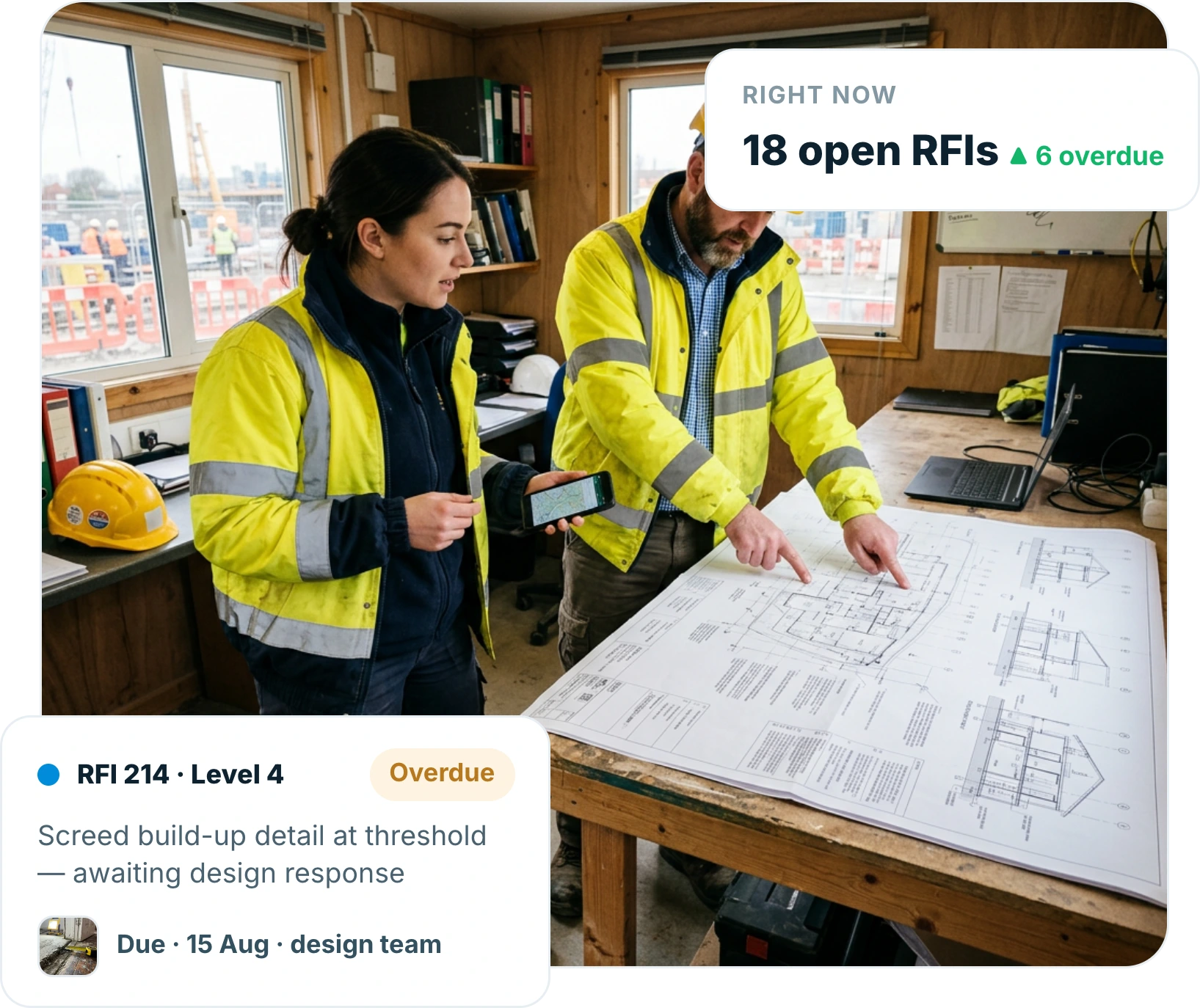
Site manager and engineer in a site cabin pointing at a technical drawing while holding a phone showing the same detail
Trusted by contractors and teams across the UK
Raise

The query is raised where it arose

Raise the RFI on site against the drawing and area in question, with a photo of the actual condition.

  • Raised against drawing, plot and area
  • Photo of the condition attached
  • No re-explaining it by email
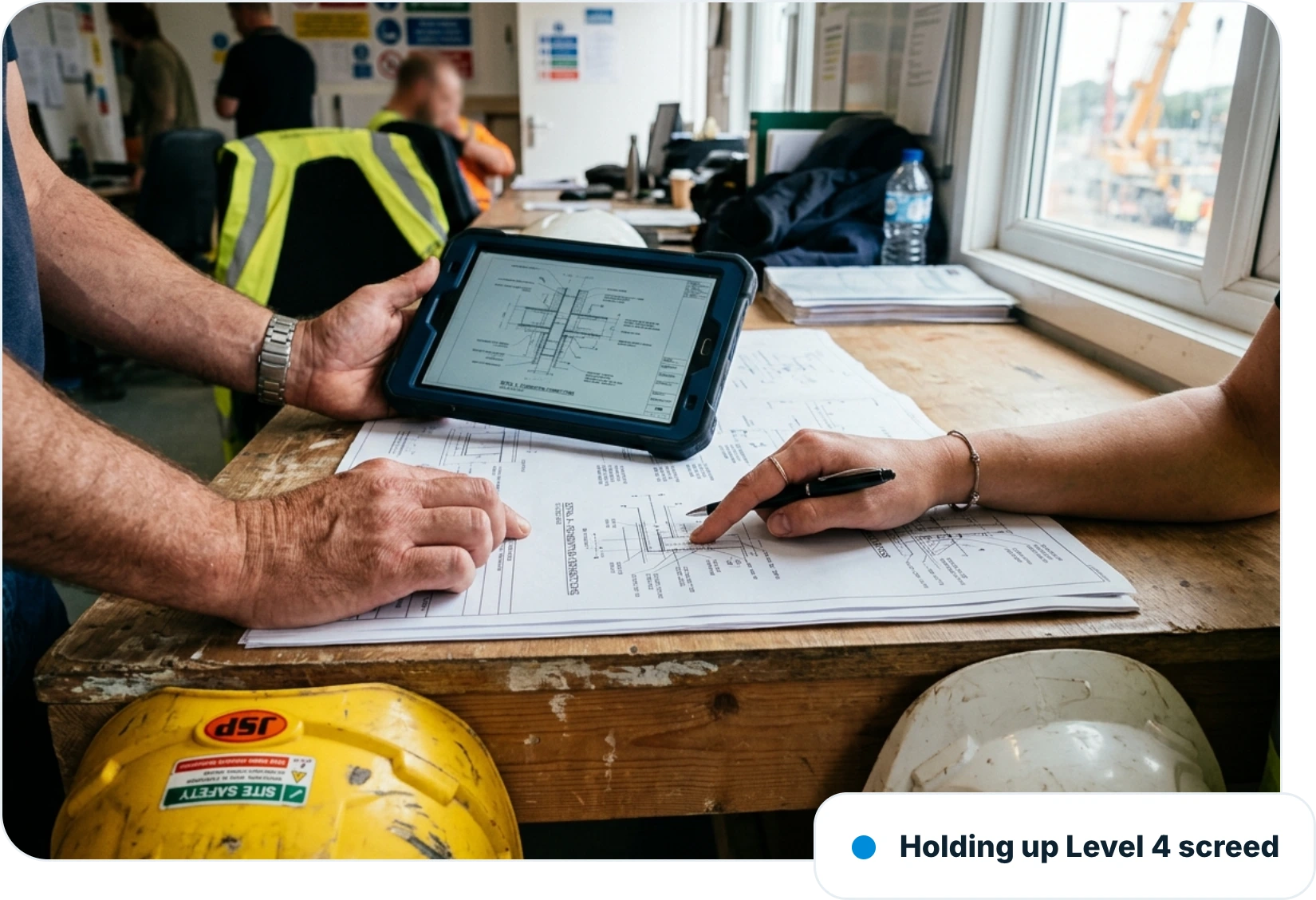
Two people at a site cabin table comparing a printed technical submittal drawing with the same detail on a tablet
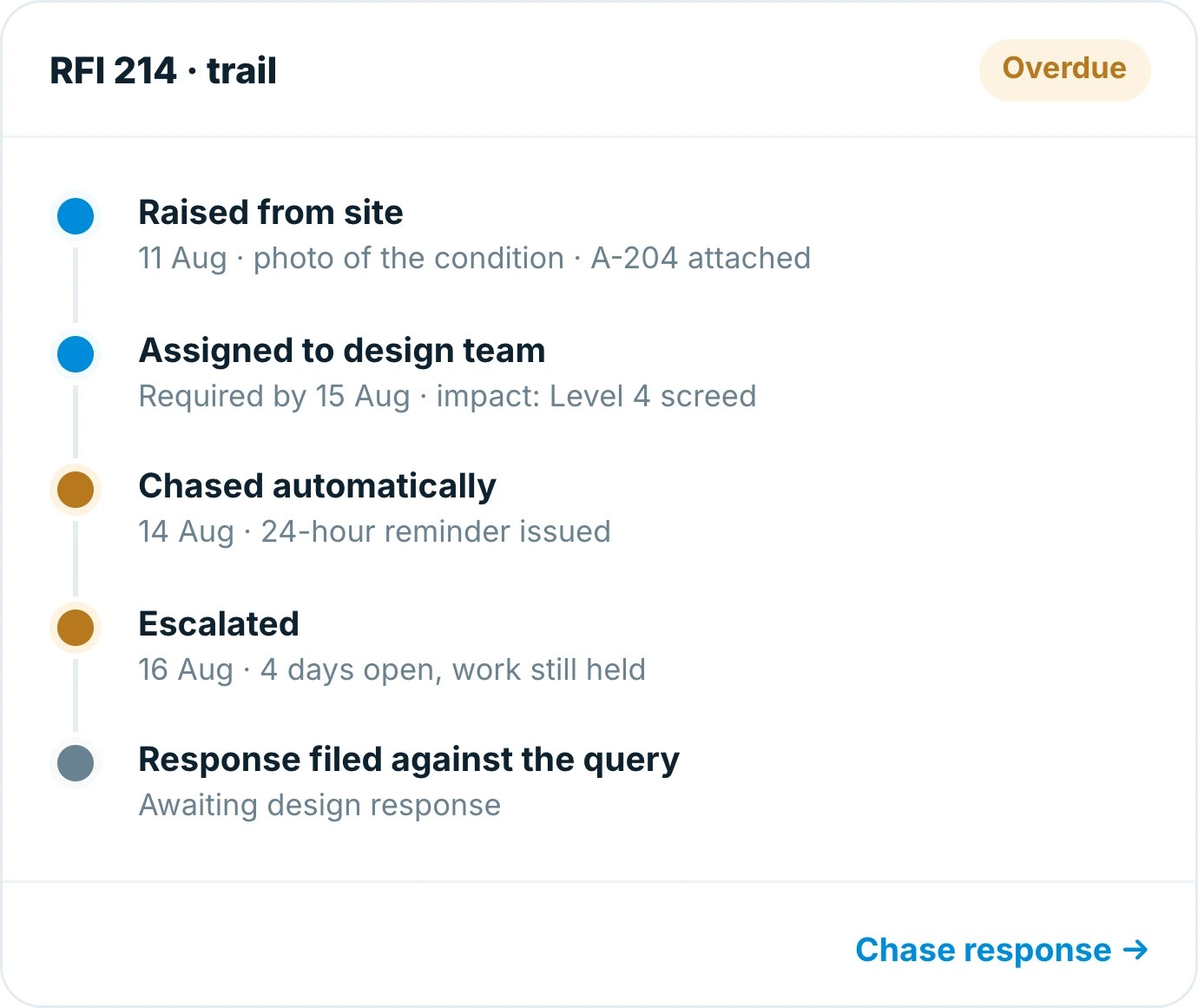
Insite trail for an RFI showing it raised from site, assigned to the design team, chased automatically and escalated
Route

In front of the right person, with a date on it

Assign the query to the design team or consultant with a required-by date, so it is not lost in an inbox.

  • Assigned owner and required-by date
  • Automatic chasing before it is due
  • Escalation when it slips
Visibility

See what the job is waiting on

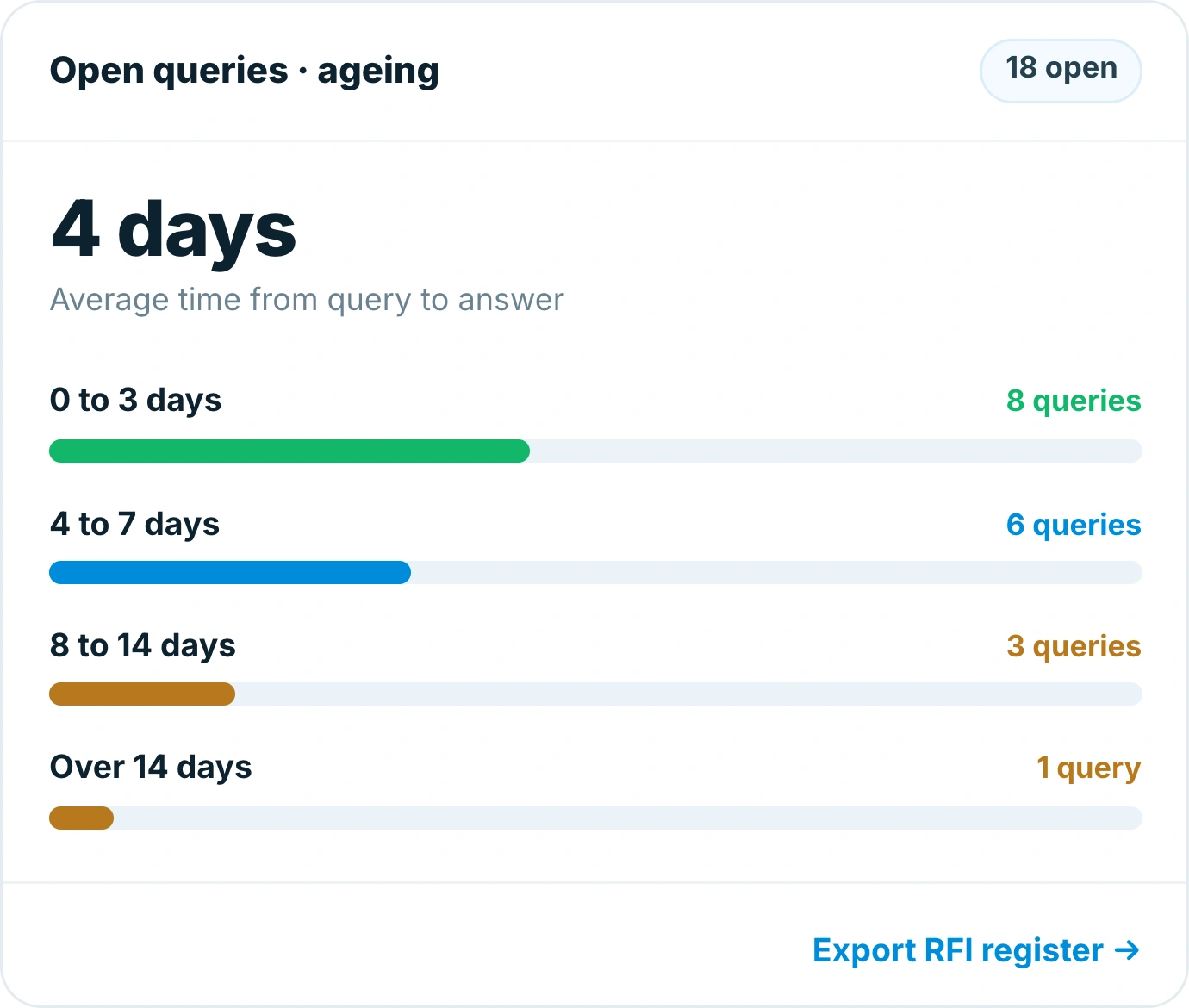
One live register of open queries and submittals, ranked by how long they have been outstanding and what they hold up.

  • Open queries by age and owner
  • What each one is holding up
  • Filter by discipline or package
Insite ageing chart for open queries showing an average of 4 days to an answer split into age bands
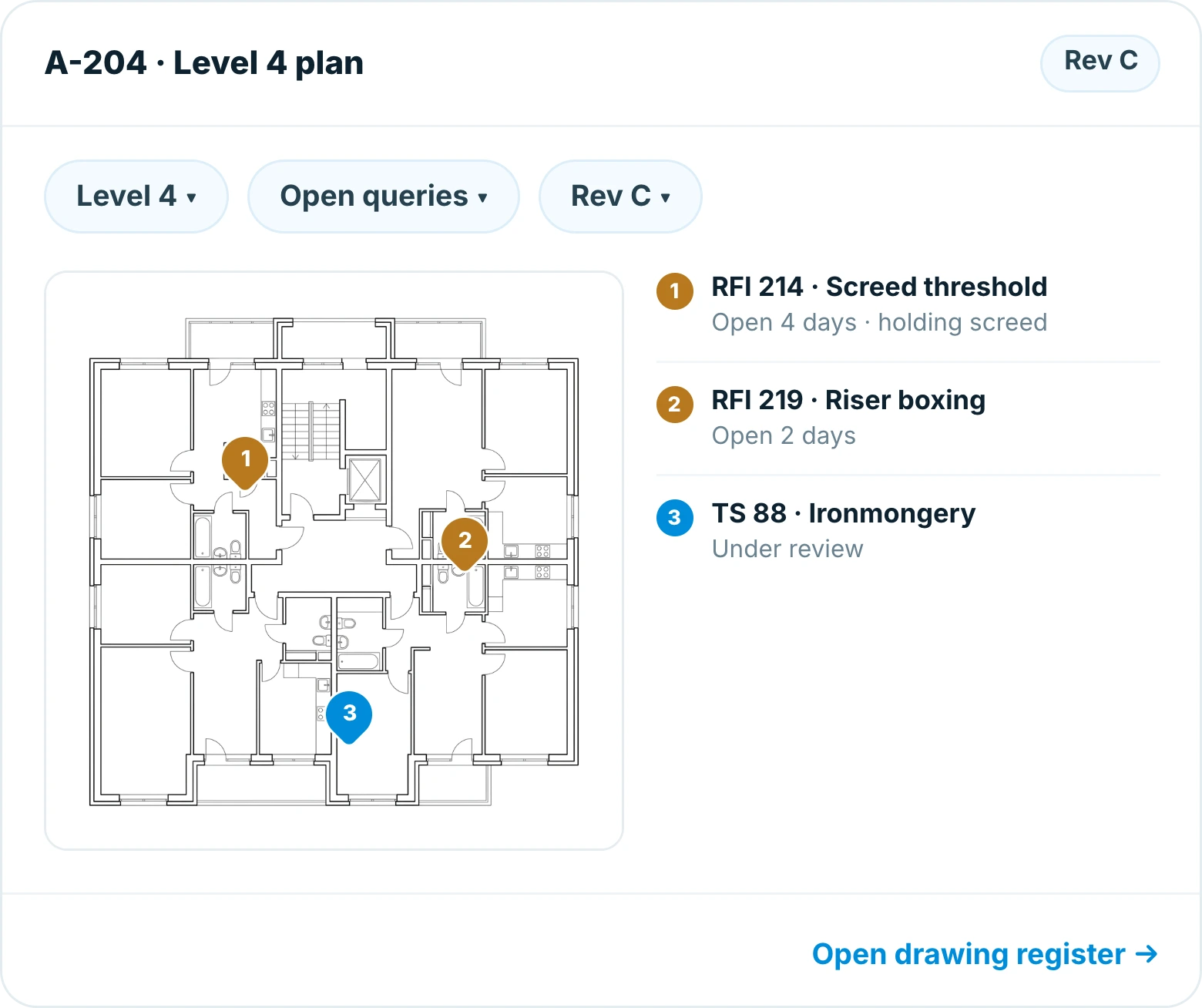
Insite drawing view of a Level 4 floor plan with three open queries pinned to the locations they affect
Evidence

The answer is filed against the question

When the response lands it sits with the query and the drawing, so the decision is traceable months later.

  • Response filed against the query
  • Superseded information marked
  • Full history for the commercial record
Why teams switch

Built for the way site teams actually work

RFIs in Insite are raised from site with the evidence attached, chased automatically and closed against the drawing they relate to.

No lost email chains

Every query in one register.

Raised at the condition

With a photo of what you found.

Owners and due dates

Queries are chased, not remembered.

Impact visible

You can see what work is held up.

Works with no signal

Raise on site, sync back in range.

Register in a tap

A live commercial record.

4 days
average time from query to answer
18
open items visible in one register
0
queries lost in an email chain

Frequently asked questions

An RFI tracker records requests for information and technical submittals and follows them to an answer. In Insite the query is raised from site against the drawing and area, assigned with a due date, chased automatically, and the response is filed against the original question.


Yes. Submittals sit in the same register with their own owners and review dates, so approvals and queries are chased in one place.

Each item records what it affects, so the register shows which open queries are actually stopping work and which are not.

Yes. The response is filed against the query and the drawing, and superseded information is marked, so the decision is traceable later.

Yes. Insite works offline, so a query can be raised at the condition with a photo attached and it syncs as soon as the device is back in range.

Insite runs on iOS, Android and the web and works offline on site, so the same register is available to everyone from phone to office.

Ready to get started?

Replace the spreadsheet before the next handover

  • Your trackers, built in an afternoon
  • Training that takes one toolbox talk
  • Live on site in days, not months
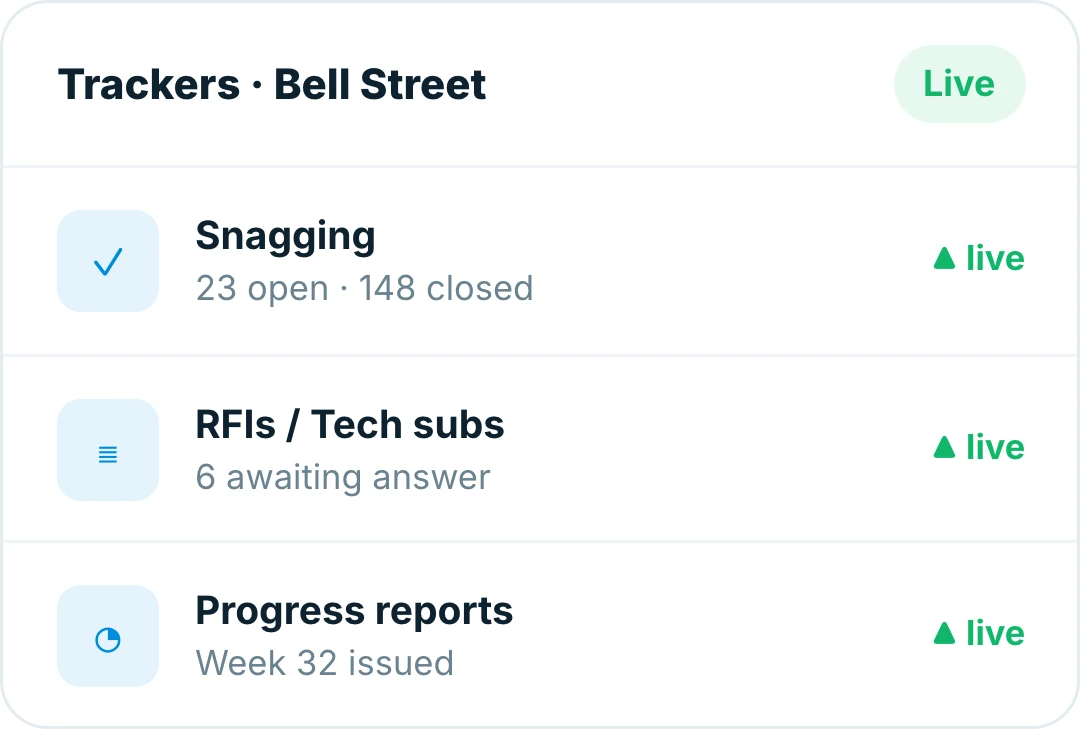
Insite trackers for a live site, with snagging, RFIs and progress reports running side by side